

SymptomNo display
Likely causePower issue
Safe checkCheck outlet safely

A dishwasher that will not begin often has a simple setting, latch, or supply explanation.

A Maytag dishwasher that will not start is usually waiting on one of five conditions: power, a fully latched door, water supply, control lock, or a delayed start. Work through those before assuming a failed part. If all of them check out, a single power reset is the last owner step, and after that the next step is a diagnosis.
This guide separates routine care from work that requires testing or disassembly. Do not bypass a lock, safety switch, or error message to keep an appliance running. Taking a few notes now can make the eventual diagnosis faster and more accurate.
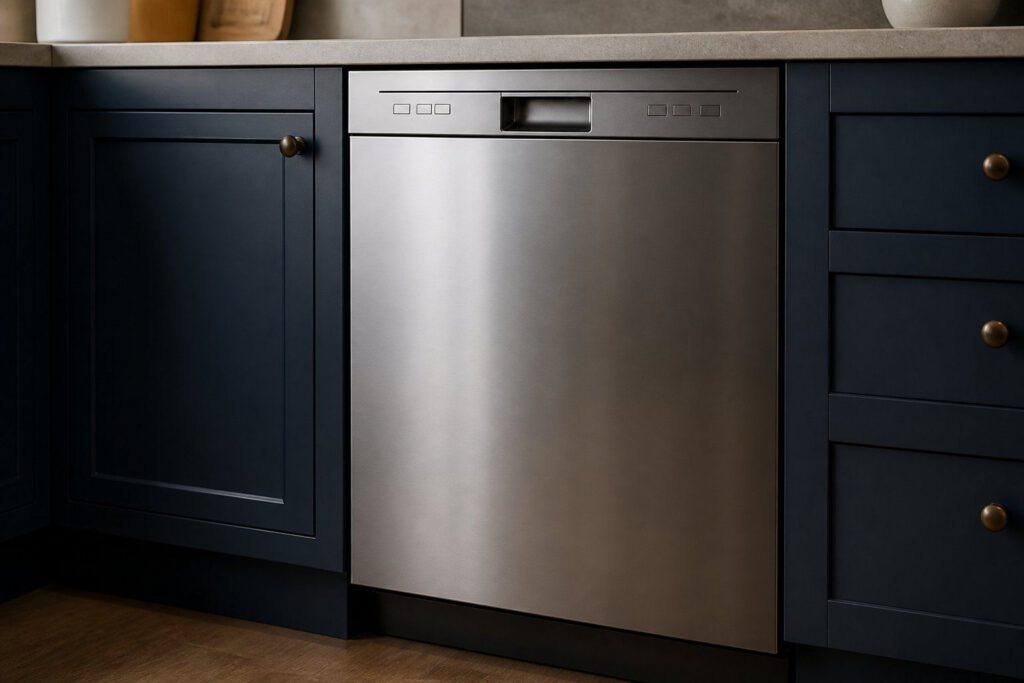
Confirm power, a fully latched door, and whether delay start or control lock is active before selecting the program again. Make the check with the appliance in its normal position and without forcing panels, fittings, or controls. If the result changes after a simple adjustment, run one normal cycle or operation before drawing a conclusion.
A dishwasher may appear unresponsive when it is waiting for a delayed start, a door latch signal, or an available water supply. Look for a pattern: whether the issue happens every time, only with a particular load or setting, or after the appliance has been running for a while. That distinction is more valuable than repeatedly restarting the appliance.
Maytag guidance says a lit lock icon means the control lock is on and every button is disabled, and pressing a button flashes the light three times. A delayed start will not run until the delay passes, and pressing Cancel or Drain cancels it. Either one looks like a dead dishwasher, so check the display before anything else.
Consult the use-and-care manual for model-specific controls, filter access, and maintenance intervals. Clean only parts described as user-serviceable, use the recommended cleaning products, and refit every removable part exactly as it was designed to sit.
Before trying another cycle, clear obstructions, reduce an unusually heavy load, and make sure airflow, water supply, or door clearance is not being restricted. Avoid repeated resets: they can hide an intermittent fault and may leave water, heat, or pressure where it should not be.
Confirm power, a fully latched door, and whether delay start or control lock is active before selecting the program again.
Only if there is no burning smell, smoke, sparking, gas odor, water near electricity, or other safety warning. Otherwise stop and arrange service.
Book a diagnosis when the safe checks above do not resolve a dishwasher that will not start, or when the next step would require opening the appliance or testing internal parts.
Share a few details and we’ll confirm an appointment. Prefer to talk? Call us and we’ll help right away.